Google's Gemini can now edit your documents right inside the chat
You can create, preview and edit files in Gemini without switching apps, but on phones only PDFs get the full treatment.
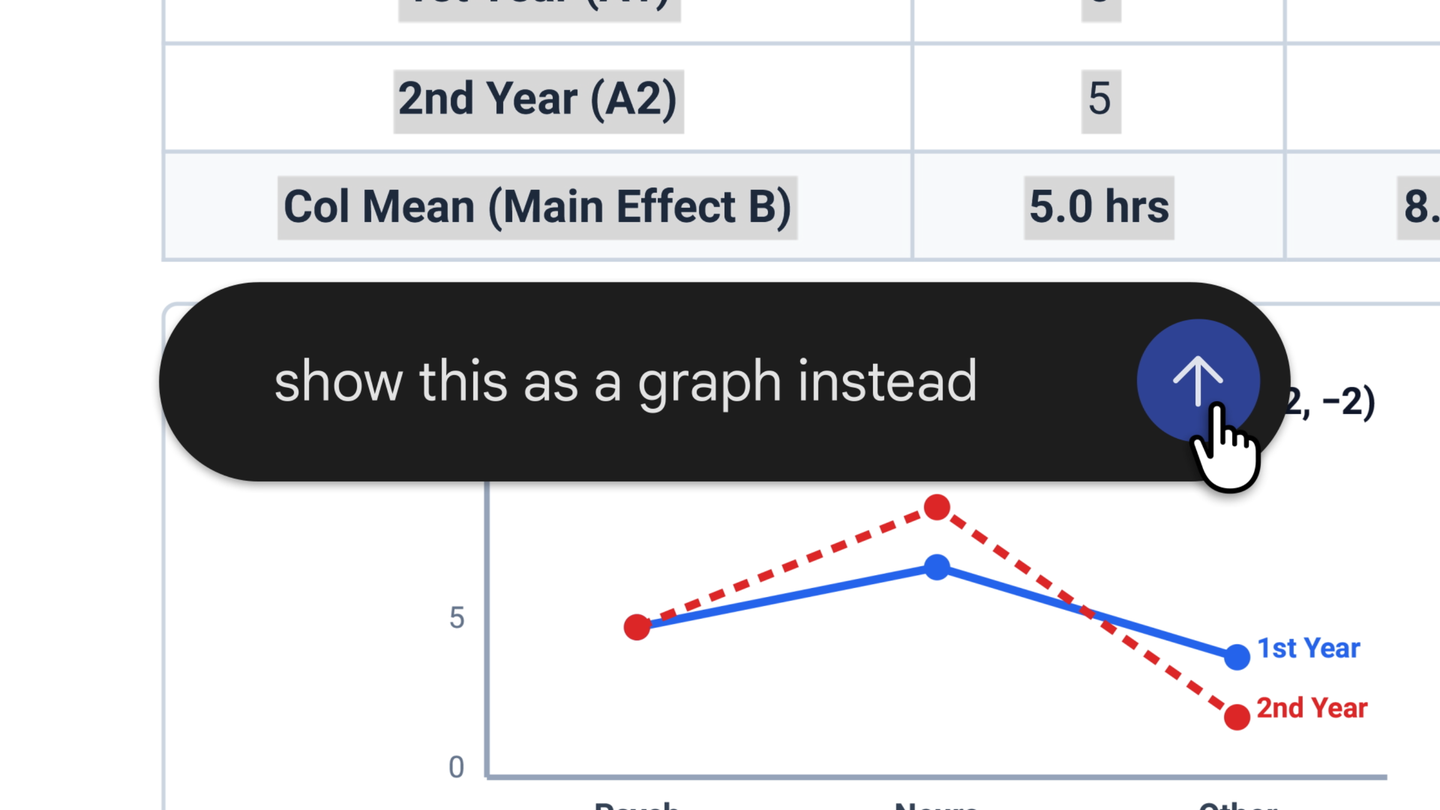
Google has made it easier to work on files inside its Gemini app. As of October 29, you can make, preview and edit documents right in your chat with Gemini. You no longer need to jump to another app to fix a file.
Here is how it works. You ask Gemini to create a file. Then you can open it to full screen and type your changes yourself. You can also highlight a passage and ask a question about it. Or you can simply ask Gemini to improve the file for you.
Google shares an example from school. You upload photos of your handwritten lecture notes. Then you ask Gemini to turn them into a PDF study guide. A PDF is a common file type that looks the same on any device. After that, you can edit the guide by hand, highlight parts so Gemini changes the text or pictures, and keep asking questions.
The update covers many kinds of files. That includes Google Docs, Google Sheets, slide decks, PDFs, plain text files and code.
There is one catch worth knowing. PDFs work on both the web and your phone. Every other file type works only on the web for now. So if you want to edit a spreadsheet this way, use a computer browser.
Google says the new tools are open to all users. They work in every language where the Gemini app is available. If you already use Gemini to write, this could save you a few steps.
Open it and check the claim yourself. That is the point.